Most people think they understand crypto.
They buy tokens.
They check prices.
They send transactions and hope for the best.
But very few actually see what’s happening.
That’s the difference between someone who uses crypto and someone who understands crypto.
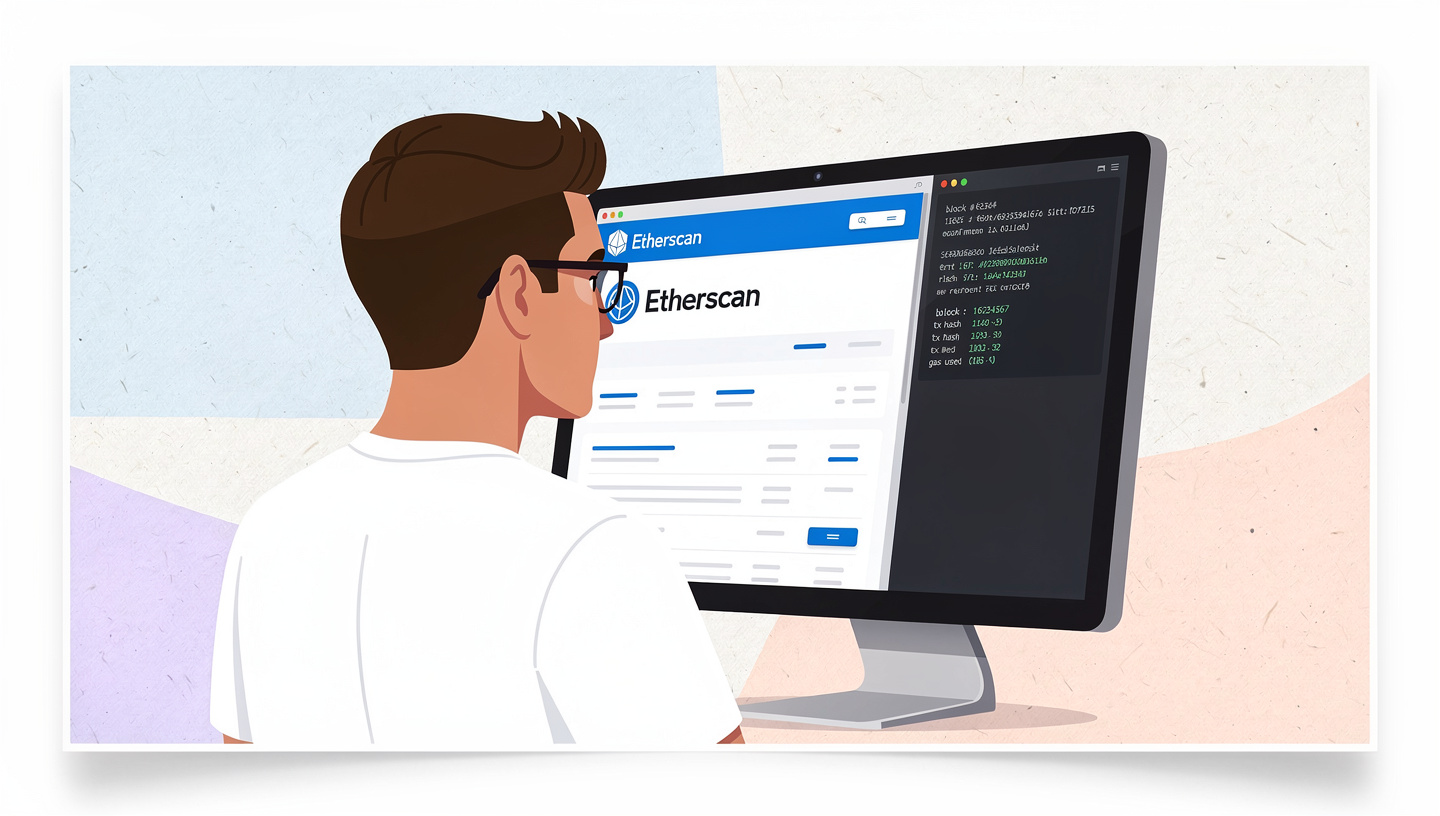
If exchanges are the front desk of crypto, then block explorers like Etherscan are the security cameras, accounting books, court records, and DNA lab—all rolled into one. They show you the raw truth of the blockchain, without marketing, without narratives, and without excuses.
This article will teach you how to use block explorers properly—not just to “check a transaction,” but to analyze behavior, verify contracts, avoid scams, and think like a blockchain detective.
Once you master this, crypto stops feeling like gambling—and starts feeling like reading a map.
1. What a Block Explorer Really Is (And What It Isn’t)
At its core, a block explorer is a read-only window into a blockchain.
It does not:
- Hold your funds
- Control transactions
- Change outcomes
It only shows you what already happened.
Think of the blockchain as a massive public spreadsheet that anyone can download—but is nearly impossible to read directly. A block explorer translates that raw data into something humans can understand.
Etherscan, specifically, is an Ethereum blockchain indexer:
- It tracks every block
- Every transaction
- Every wallet
- Every smart contract
- Every event emitted by code
Nothing is hidden. Nothing can be edited. If it exists on-chain, Etherscan can show it.
That’s why learning Etherscan is not optional if you’re serious about crypto. It’s the difference between trusting and verifying.
2. The Search Bar: The Gateway to Everything
The Etherscan search bar looks innocent, but it’s the most powerful input field in crypto.
You can paste:
- A transaction hash
- A wallet address
- A token contract address
- A block number
- An ENS name
Most beginners only use it for one thing:
“Did my transaction go through?”
That’s like buying a supercomputer to check the time.
Instead, think of the search bar as a universal lookup tool. Every on-chain object has an identity. Learn to look things up before you interact with them—not after something goes wrong.
3. Reading a Transaction Like a Pro (Not a Tourist)
When you open a transaction on Etherscan, you’ll see a wall of fields. Most people glance at Status: Success and move on.
That’s a mistake.
Here’s how to actually read a transaction:
Transaction Hash
This is the unique fingerprint. If two people have the same hash, they’re talking about the exact same event—no ambiguity.
From / To
- From: Who initiated the transaction
- To: Who received it (often a smart contract, not a person)
Important insight:
If “To” is a contract, the real action happens inside the code, not in the ETH transfer you see.
Value
This shows how much native ETH moved.
But many token swaps show 0 ETH here. Why? Because the real value transfer happens inside the contract logic.
Never assume “0 ETH” means “nothing happened.”
Gas Used vs Gas Limit
This tells you:
- How complex the transaction was
- Whether it almost failed
- Whether the user overpaid for gas
Consistently high gas usage can indicate:
- Inefficient contracts
- Bot activity
- Complex DeFi interactions
Input Data
This is where the magic is.
Click “Decode Input Data” and suddenly the transaction becomes readable:
- Function called
- Parameters passed
- Amounts, addresses, deadlines
This is how you confirm what a transaction actually did—not what the UI claimed it would do.
4. Wallet Pages: Behavioral Fingerprints on the Blockchain
Click any wallet address and you’ll land on a wallet overview page.
This is not just a balance sheet. It’s a behavioral profile.
Things to analyze:
Transaction Frequency
- Rare activity → long-term holder or cold wallet
- Constant activity → trader, bot, or contract operator
Interaction Types
- Only exchanges → centralized mindset
- DeFi contracts → advanced user
- Meme tokens only → high-risk behavior
Timing Patterns
Consistent transactions at odd hours often signal automation.
Wallets don’t lie. People do.
5. Token Contracts: Where Scams Reveal Themselves
Before buying any token, the contract page should be mandatory reading.
Verified vs Unverified Contracts
- Verified: Source code published
- Unverified: Black box (huge red flag)
No verification = blind trust.
Contract Name & Symbol
Scammers love:
- Slight misspellings
- Extra spaces
- Fake versions of popular tokens
Always cross-check.
Read Contract vs Write Contract
- Read: View-only functions (safe)
- Write: Functions that modify state (dangerous if you don’t understand them)
If a token allows the owner to:
- Mint unlimited supply
- Disable selling
- Change fees arbitrarily
You’ll often find it here—hidden in plain sight.
6. Token Holders: Power Structures Exposed
Click the Holders tab.
This is one of the most underrated features on Etherscan.
Look for:
- Top 10 holders owning >50% → extreme centralization
- A single wallet owning >20% → dump risk
- Many wallets with identical balances → Sybil or airdrop farming
Healthy distribution doesn’t guarantee success—but unhealthy distribution guarantees problems.
7. Internal Transactions: The Invisible Money Flow
Many people never click “Internal Txns.”
They should.
Internal transactions show:
- ETH moved by smart contracts
- Funds routed through multiple addresses
- Hidden fee extraction
If a contract claims “no fees” but internal txns show constant ETH flowing to a dev wallet—there’s your answer.
This is where you catch:
- Stealth taxes
- Backdoor payments
- MEV extraction
8. Events & Logs: The Blockchain’s Black Box Recorder
Every smart contract emits events.
Etherscan logs them.
This is how:
- DEXs record swaps
- NFTs record transfers
- Protocols record liquidations
Reading logs is advanced—but powerful.
Logs tell you what the contract says happened, even if the UI never shows it.
For investigators, this is gold.
9. Approvals: The Silent Wallet Drainers
One of the most important—but ignored—sections is Token Approvals.
When you approve a token, you’re giving a contract permission to move your funds.
On Etherscan, you can:
- View active approvals
- See unlimited allowances
- Revoke dangerous permissions
Many “wallet hacks” aren’t hacks at all—they’re forgotten approvals.
If you only learn one defensive skill from this article, let it be this.
10. Tracking Whales and Smart Money
Want to learn how serious players move?
Use Etherscan to:
- Track known whale wallets
- Observe accumulation patterns
- See how early buyers behave before pumps
You’ll notice something uncomfortable:
Smart money rarely posts on Twitter.
They just move quietly—on-chain.
11. Common Beginner Mistakes on Etherscan
Let’s save you some pain.
- Believing UI over on-chain data
- Ignoring internal transactions
- Not checking contract ownership
- Assuming “verified” means “safe”
- Never reviewing approvals
Etherscan doesn’t protect you.
It reveals.
Protection comes from interpretation.
12. Thinking Like a Blockchain Native
Once you’re fluent with block explorers, your mindset shifts.
You stop asking:
- “Is this legit?”
And start asking:
- “What does the chain say?”
You stop relying on:
- Influencers
- Marketing
- Discord hype
And start relying on:
- Data
- Patterns
- Behavior
That’s the moment crypto stops being stressful.
Final Thoughts: Etherscan Is a Mirror, Not a Guide
Etherscan won’t tell you what to do.
It won’t warn you.
It won’t stop you.
It simply shows you the truth—brutally, permanently, and publicly.
Most people don’t lose money in crypto because they lack intelligence.
They lose money because they never learned how to look.
If you learn to use block explorers properly, you gain something rare in this space:
Clarity.